 Web, Android & iOS app
Barkify: one account on the web, Android and iPhone
Daily motivation and a link-in-bio page in one product. I built the web app, the Android and iOS apps and the API they share, and released it on the web, Google Play and the App Store.
- Role
- Sole developer
- Status
- Live on the web, Google Play and the App Store
- Built with
- Next.js, React Native, Express, Firebase
Google Play (opens in a new tab)App Store (opens in a new tab)Web app (opens in a new tab)
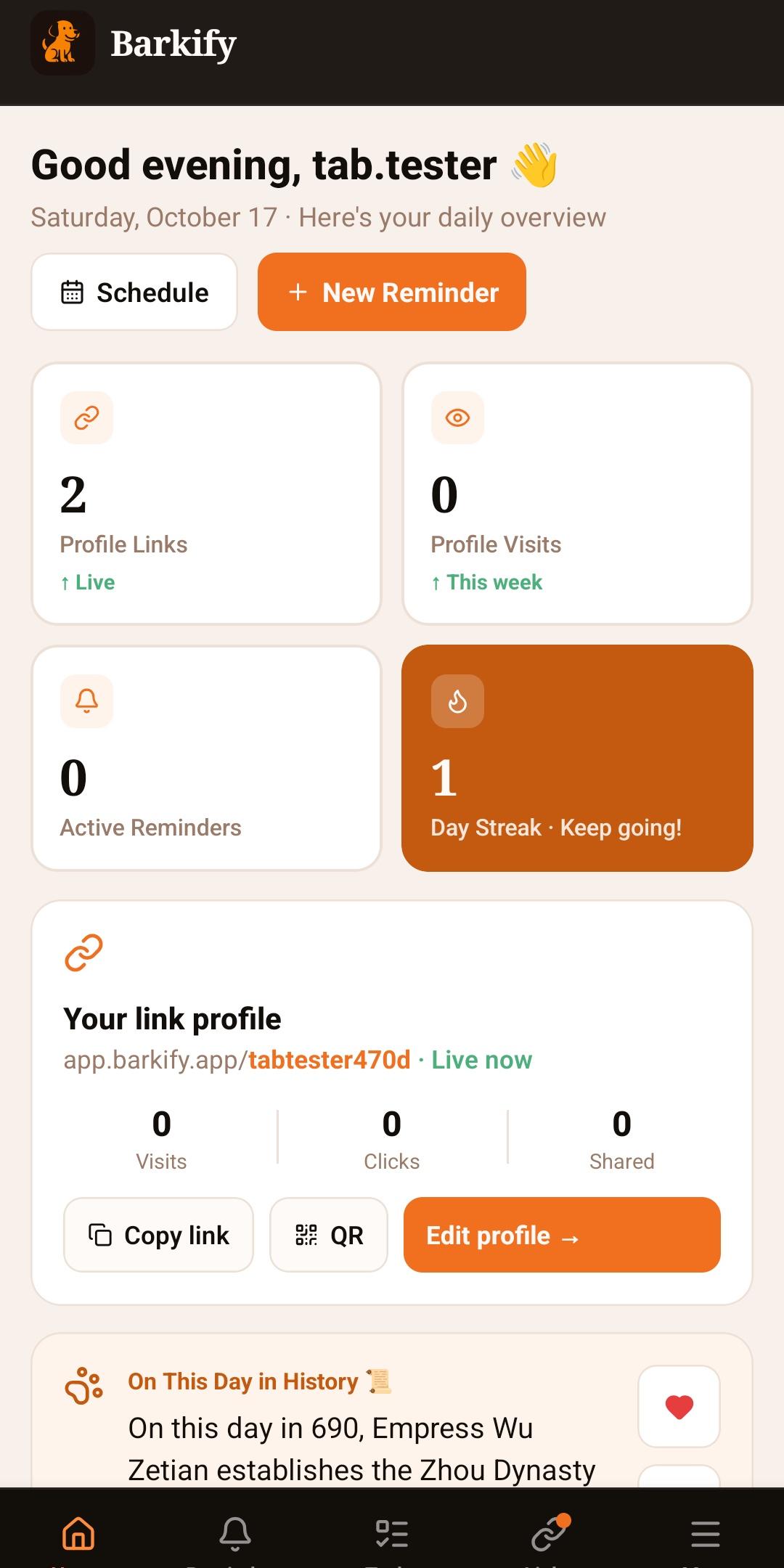
Home: reminders, streak and your link profile 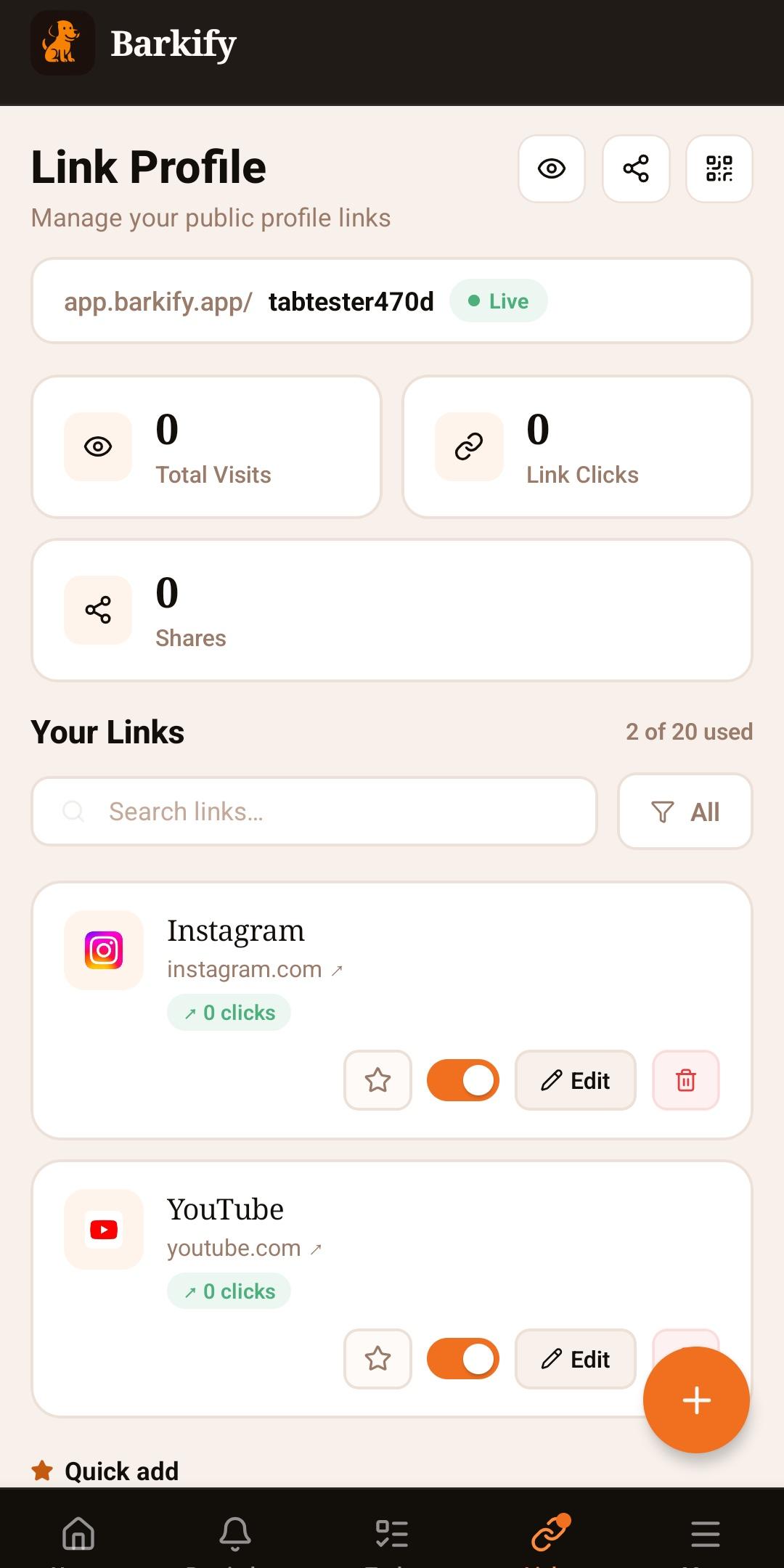
The public link profile, marked Live
What it is
Barkify is a small daily lift. Each day of the week has its own theme, from jokes on Monday to wisdom on Thursday. Around that sit custom reminders, a public link-in-bio page, streaks and badges.
It had to be the same product in a browser and on a phone: one account, one set of reminders and one public profile, whichever app someone opens.
What I built
- A Next.js web app at app.barkify.app that installs as a PWA, works offline, and serves public profile pages with their own SEO and Open Graph data.
- A React Native app for Android and iOS, published on Google Play and, as “My Barkify”, on the App Store.
- A standalone Express API at api.barkify.app with OpenAPI documentation, which also renders the HTML for reminder and weekly-insight emails sent on a schedule through n8n.
- An internal admin app for users and reminders, and a marketing site that is the only home of the privacy policy, terms and account-deletion page. Every app links there instead of bundling its own copy.
- An Electron desktop app for macOS, Windows and Linux, built and packaged but not released yet.
The decision: share the backend, keep the clients separate
Web, mobile, desktop and admin all sign in to the same Firebase project and read the same data. HTTP behaviour that more than one client needs is moving out of the Next.js app into the standalone Express API.
I did not build a shared code package between the clients. Each app has its own package and lockfile, and the repo’s rules say not to add a shared workspace without a deliberate decision.
The trade-off
Some logic exists twice. The web app’s API routes still mirror the standalone API until every client points at api.barkify.app, and sign-in code is written separately for web, admin and mobile. I track that as known debt, and I wrote up the options for splitting sign-in out before changing anything.
Evidence
- Barkify on Google Play (opens in a new tab)
- My Barkify on the App Store (opens in a new tab)
- Open the web app (opens in a new tab)
- barkify.app (opens in a new tab)
- Privacy policy (opens in a new tab)
The source code is private.
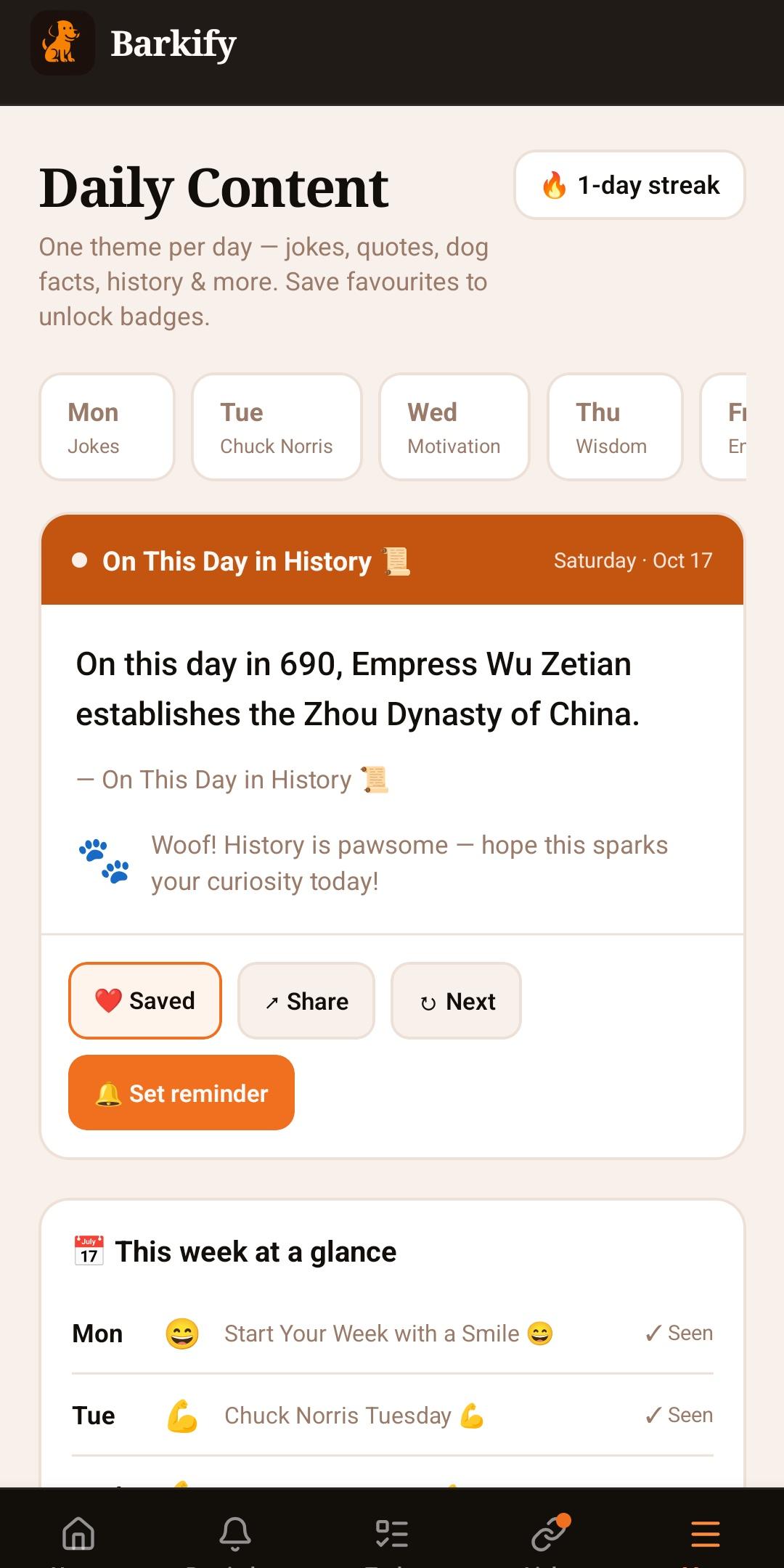
A different theme for each day of the week
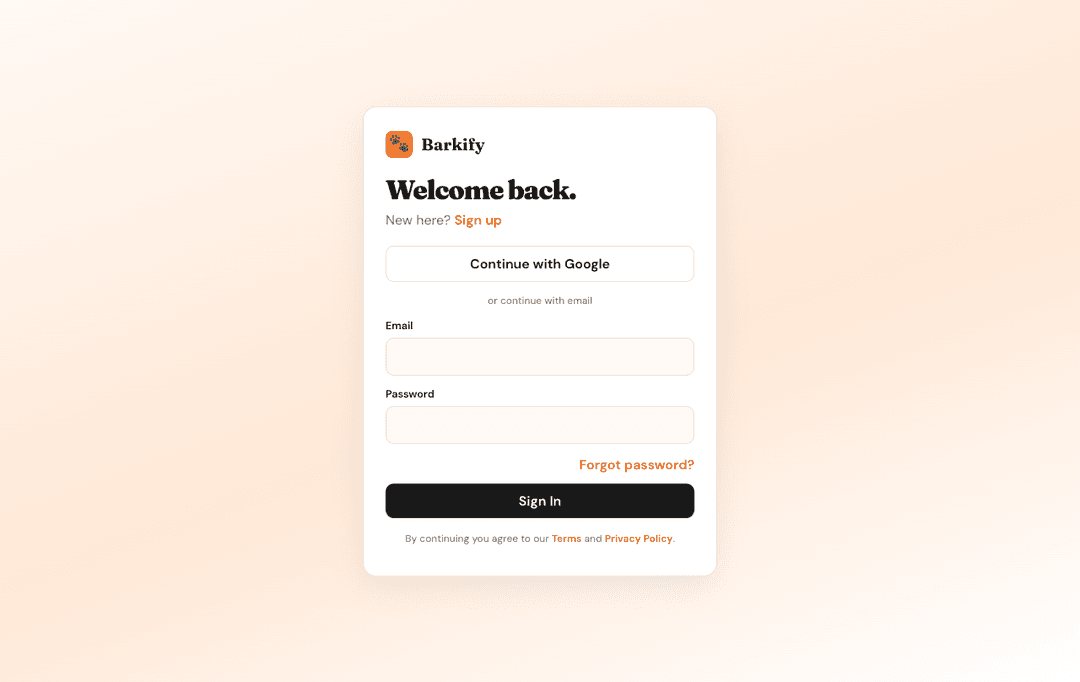
The Electron desktop app (not released yet)